> For the complete documentation index, see [llms.txt](https://documentation.botghost.com/llms.txt). Markdown versions of documentation pages are available by appending `.md` to page URLs; this page is available as [Markdown](https://documentation.botghost.com/custom-commands-and-events/options/role-option.md).
# Role Option
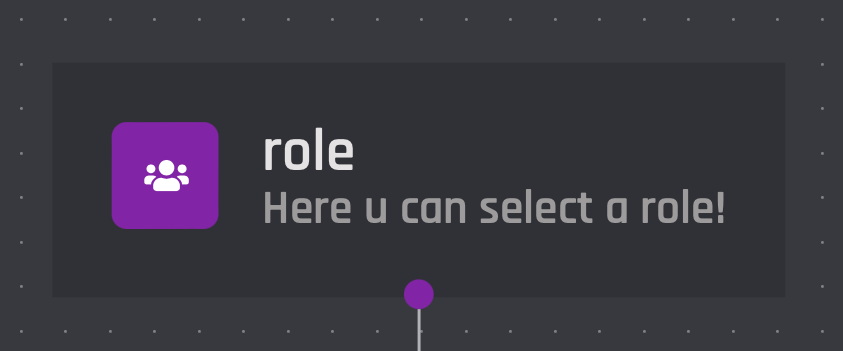
The role option block allows for any role to be selected from the server and used later in the commands actions. Role IDs may also be used.
You can retrieve the variable of the option via the **Clipboard** or the block itself. The format of the variable is `{option_optionname}`, where `optionname` is the [name](#option-name) of the option.
{% hint style="warning" %}
Only roles that are ping-able by the user can be chosen.
{% endhint %}
## Option Name
This field requires an input for your unique option name. The designated name will then be the reference for your option variable.
## Option Description
The option description field allows you to assign a custom description to your option. It is useful to describe what the option is used for.
## Set Required
With this switch you are able to toggle if the option should be required or not in order to execute the command.