> For the complete documentation index, see [llms.txt](https://documentation.botghost.com/llms.txt). Markdown versions of documentation pages are available by appending `.md` to page URLs; this page is available as [Markdown](https://documentation.botghost.com/custom-commands-and-events/options/number-option.md).
# Number Option
The number option block allows for any integer to be input as a value as used later on in the commands actions.
You can retrieve the variable of the option via the **Clipboard** or the block itself. The format of the variable is `{option_optionname}`, where `optionname` is the [name](#option-name) of the option.
## Option Name
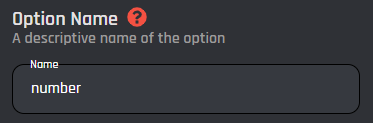
This field requires an input for your unique option name. The designated name will then be the reference for your option variable.
## Option Description
The option description field allows you to assign a custom description to your option. It is useful to describe what the option is used for.
## Set Required
With this switch you are able to toggle if the option should be required or not in order to execute the command.
## Add Choices
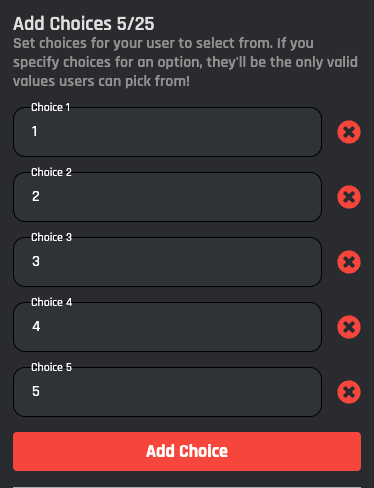
This is an optional section is where you can add choices into your option. Choices allow the user to select something from a fixed set of values. There is a maximum number of 25 choices.