> For the complete documentation index, see [llms.txt](https://documentation.botghost.com/llms.txt). Markdown versions of documentation pages are available by appending `.md` to page URLs; this page is available as [Markdown](https://documentation.botghost.com/custom-commands-and-events/actions/server-actions/kick-a-member.md).
# Kick a member
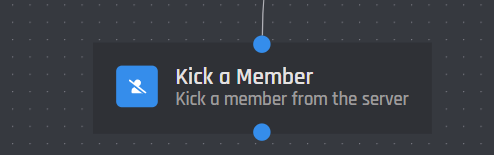
This action block can be used to kick a member from a server that the bot has access to.
{% hint style="warning" %}
The bot must at least have the kick member permission for this block to work and must be above the targeted user.
{% endhint %}
## User ID
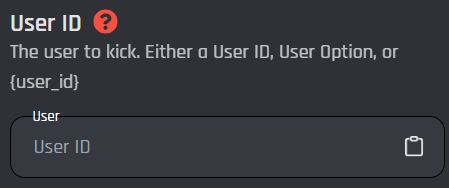
This field targets a user ID to be kicked. This can be done by a **user id**, [**user option**](/custom-commands-and-events/options/user-option.md)**, or** [**variable**](/custom-commands-and-events/variables.md). \
Keep in mind the variable has to return a plain user ID with no extra symbols or spaces.
## Reason
This is an optional field. In this field you can input a reason why you are kicking a member. This reason will be shown in your server's audit log. [Variables](/custom-commands-and-events/variables.md) can also be used in this field.
## Enable Success/Error Handles
Enable Success / Error Handles to detect success and errors inside of the action block. This allows you to run different actions if something goes wrong with your action. Inside of the handle, there are 2 different paths which are used to detect the outcome of the action. The green path on the bottom left side of the block indicates success, while the red path on the bottom right side of the block indicates error. You may attach action blocks to each side of the handle to get the outcome of your action block.
The Success/Error Handles feature includes 3 different error variables you can use to get information on why the action block encountered an error. Check them out [here](/custom-commands-and-events/variables.md#error-variables).