> For the complete documentation index, see [llms.txt](https://documentation.botghost.com/llms.txt). Markdown versions of documentation pages are available by appending `.md` to page URLs; this page is available as [Markdown](https://documentation.botghost.com/custom-commands-and-events/actions/role-actions/remove-roles-from-all-users.md).
# Remove Roles from All Users
Remove a role from all members of a server. You can specify role IDs and users affected in specific ways.
{% hint style="warning" %}
The bot must have the Manage Roles permission and a higher position than the role your trying to remove via the bot.
{% endhint %}
## Roles Selector
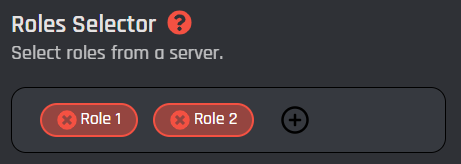
Click the "+" icon to select the server roles you want to remove from all users.
## **Additional Roles**
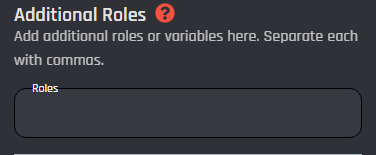
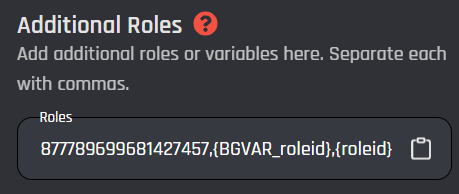
In this field you can add additional roles in the form of plain role IDs only. This field is commonly used to add specific role IDs / [variables](/custom-commands-and-events/variables.md). As the field description states, each role ID or variable must be separated by a comma.
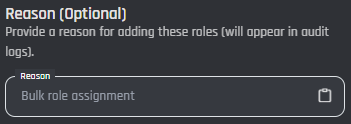
## Reason
This is an optional field. In this field you can input a reason why you are removing a role from everyone in the server. This reason will be shown in your server's audit log. [Variables](/custom-commands-and-events/variables.md) can also be used in this field.
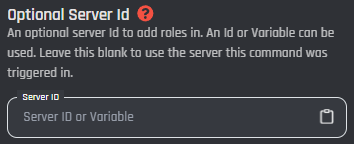
## Server ID
In this optional field you can enter the ID of a server that you want to run the action in. This way, you can target servers without triggering a command or event in there. [Variables](/custom-commands-and-events/variables.md) can also be used in this field.
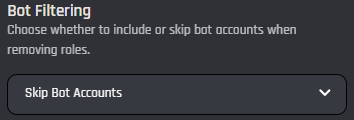
## Bot Filtering
In this selection menu you can enter whether or not you want the bot to ignore other bots, meaning the role will not be removed from bots in your server.
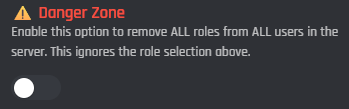
## Remove all Roles
You can enable this section if you wish the bot to remove all roles from all users in a server. This will ignore all settings above.
{% hint style="danger" %}
This action will remove the selected roles from ALL users in the server. This operation cannot be undone and may take time for large servers. Use with caution.
{% endhint %}