> For the complete documentation index, see [llms.txt](https://documentation.botghost.com/llms.txt). Markdown versions of documentation pages are available by appending `.md` to page URLs; this page is available as [Markdown](https://documentation.botghost.com/custom-commands-and-events/actions/other-actions/send-an-error-log-message.md).
# Send an error log message
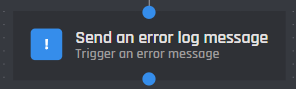
The Send an error log message action once triggered, will send a an error message to the error handler to be dealt with or will be sent directly to the bots error logs. It is useful for checking elses on conditions and so forth.
## Module
Here you can enter the module that the error message has been sent from. (Ex. Timeout Command)\
[Variables](/custom-commands-and-events/variables.md) can be used in this field.
## Action
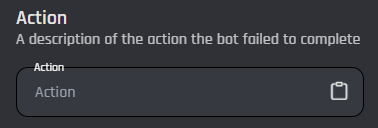
This field is where you can edit which action is tied to the error log message that the bot failed to execute. [Variables](/custom-commands-and-events/variables.md) can be used as well.
## Reason
The reason field is self explanatory and is where you shall input the reason of why the block execution failed. [Variables](/custom-commands-and-events/variables.md) may be used.