> For the complete documentation index, see [llms.txt](https://documentation.botghost.com/llms.txt). Markdown versions of documentation pages are available by appending `.md` to page URLs; this page is available as [Markdown](https://documentation.botghost.com/custom-commands-and-events/actions/other-actions/change-the-bots-status.md).
# Change the Bot's Status
With the 'Change the bot's status' block you are able to change the bots status via a custom made command / event. This will allow you to use variables in your bots status to create some really cool status messages.
{% hint style="warning" %}
Only [premium](/premium/premium-and-priority-hosting-plans.md#premium-plans) users can change their bots status!
{% endhint %}
{% hint style="info" %}
There is no set rate limit for this action block other than the ones imposed by discord themselves. (changes from time to time)
{% endhint %}
## **Status**
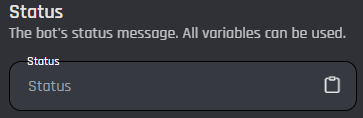
This field configures the bot's status do whatever you choose. [Variables](/custom-commands-and-events/variables.md) can be used in this field.
## Status Type
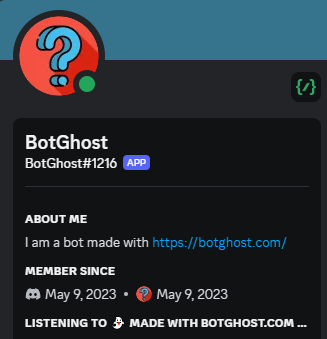
The status type dropdown menu allows you to choose the status type you want to apply to your bot. The table below shows some examples of status.
| Type | Image |
| --------- | --------------------------------------------------------------------------------------------------------------------------------------------------------------------------------------------------------------------------------------------------------- |
| Listening | |
| Playing | |
| Watching | |
 |
| Playing |
|
| Playing |  |
| Watching |
|
| Watching | 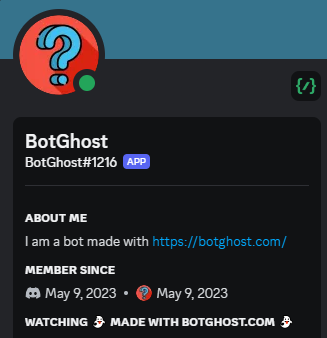 |
|